3D Scanner App · Full-color 3D printing
Your Smartphone.
Your 3D Figure.
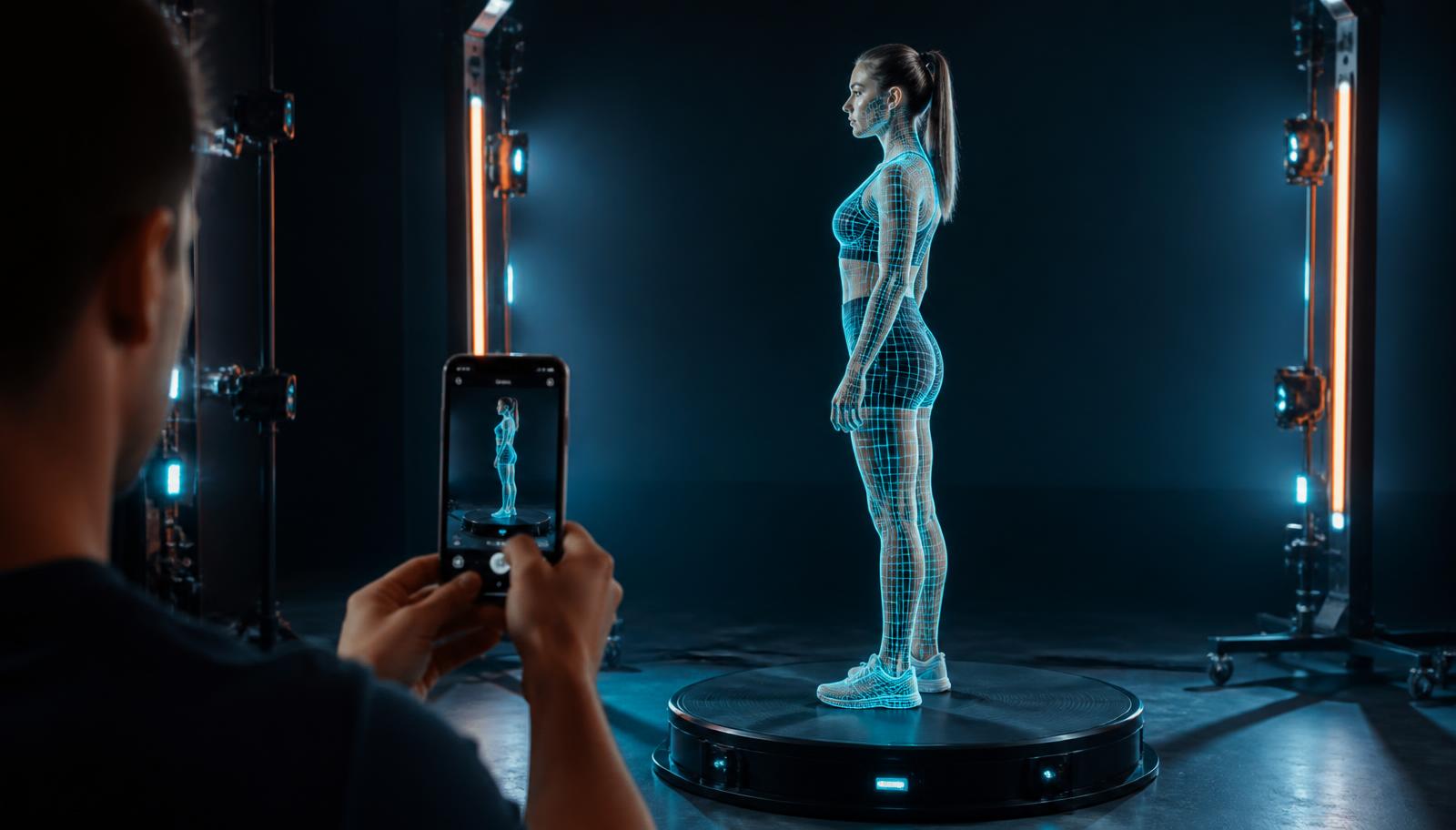
Use your smartphone camera to scan anyone, anywhere. Turn a simple scan into a detailed, full-color 3D model — and bring it to life as a full-color printed figure you can hold.
Download now, it's free ~ ❤️
—
Figures ordered
90+
Photos per scan
PH
Nationwide shipping
Features
Everything you need to go from photos to a printed figure.
Photo Scan
Take photos around your subject and get a full-color, textured 3D model. No extra hardware needed.
Auto Object Masking
The background is removed automatically so only your subject is reconstructed.
High-quality textures
Sharp texture maps keep faces, hair and fabric true to your photos.
Cloud processing
Upload and close the app. Processing runs in the cloud and notifies you when the model is ready.
Model library
Every scan is saved to your library. Preview in 3D, re-download, or reprocess anytime.
Order a printed figure
Turn any finished scan into a real full-color 3D printed figure, delivered to your door.
How it works
Capture
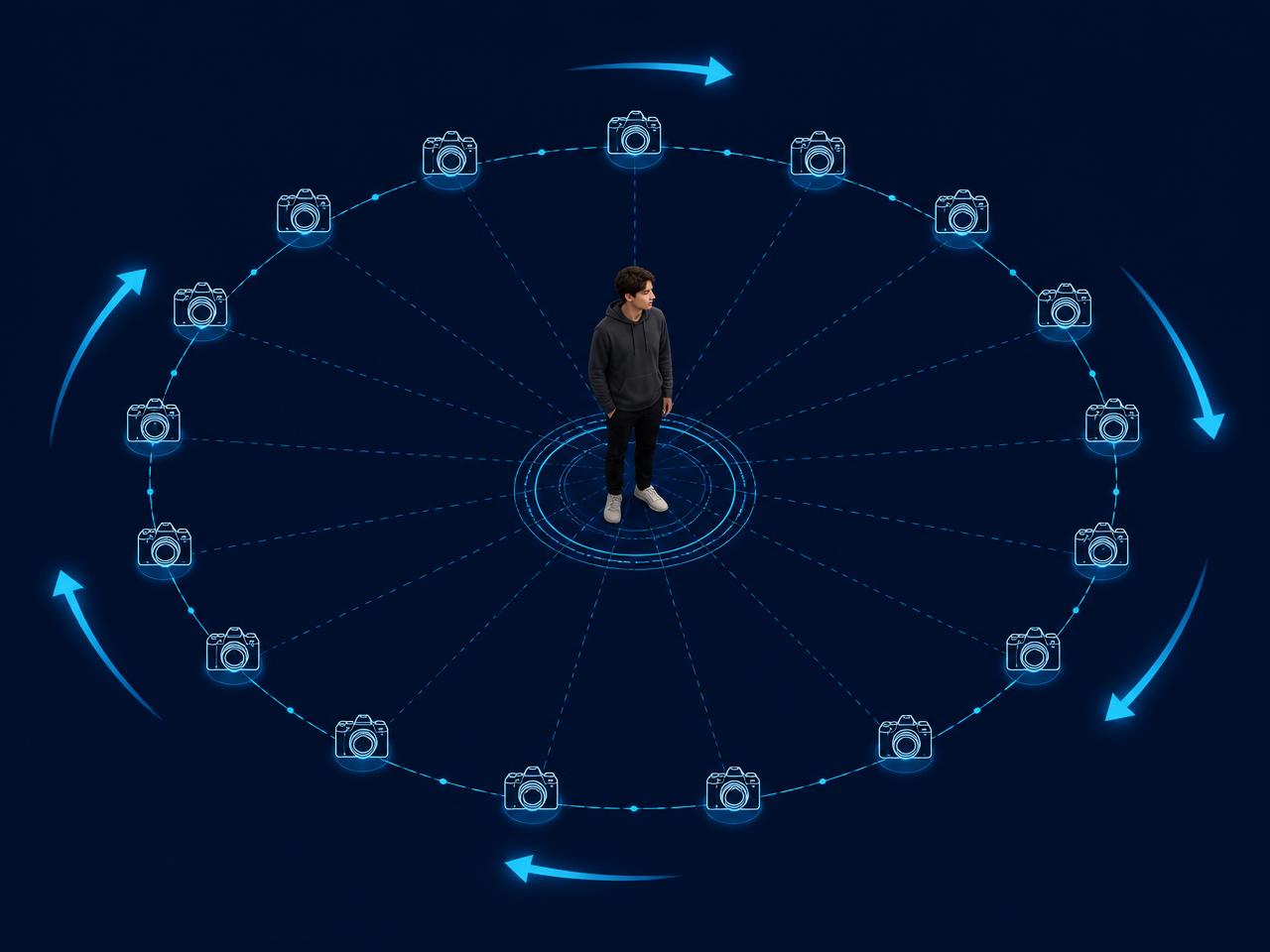
Orbit the subject and shoot every ~15°. 90+ photos minimum — 120+ for the best accuracy.
Upload & process
Start the scan in the app. The model is reconstructed in the cloud in a few minutes.
Preview & order
Check the 3D model in your library, then order it as a printed figure in 3.5" or 4".
- • Shoot in bright, even light — avoid harsh shadows.
- • Orbit the subject and shoot every ~15°.
- • Keep the whole subject in frame at chest height.
- • Add higher and lower angles for the head and feet.
- • Avoid blur, filters, and moving mid-shoot.
Featured models
Real scans, printed in full color.
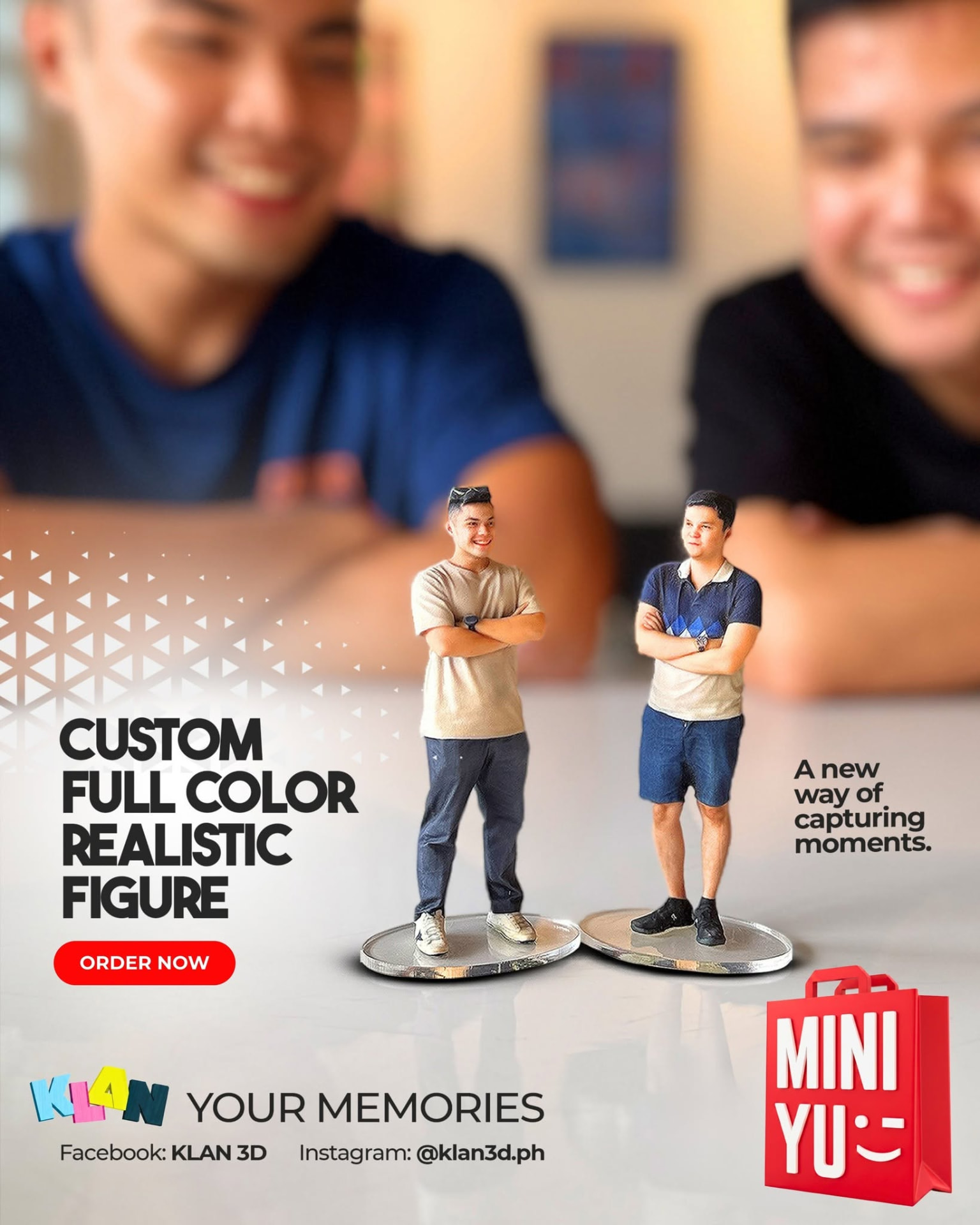
Couple
Photo Scan
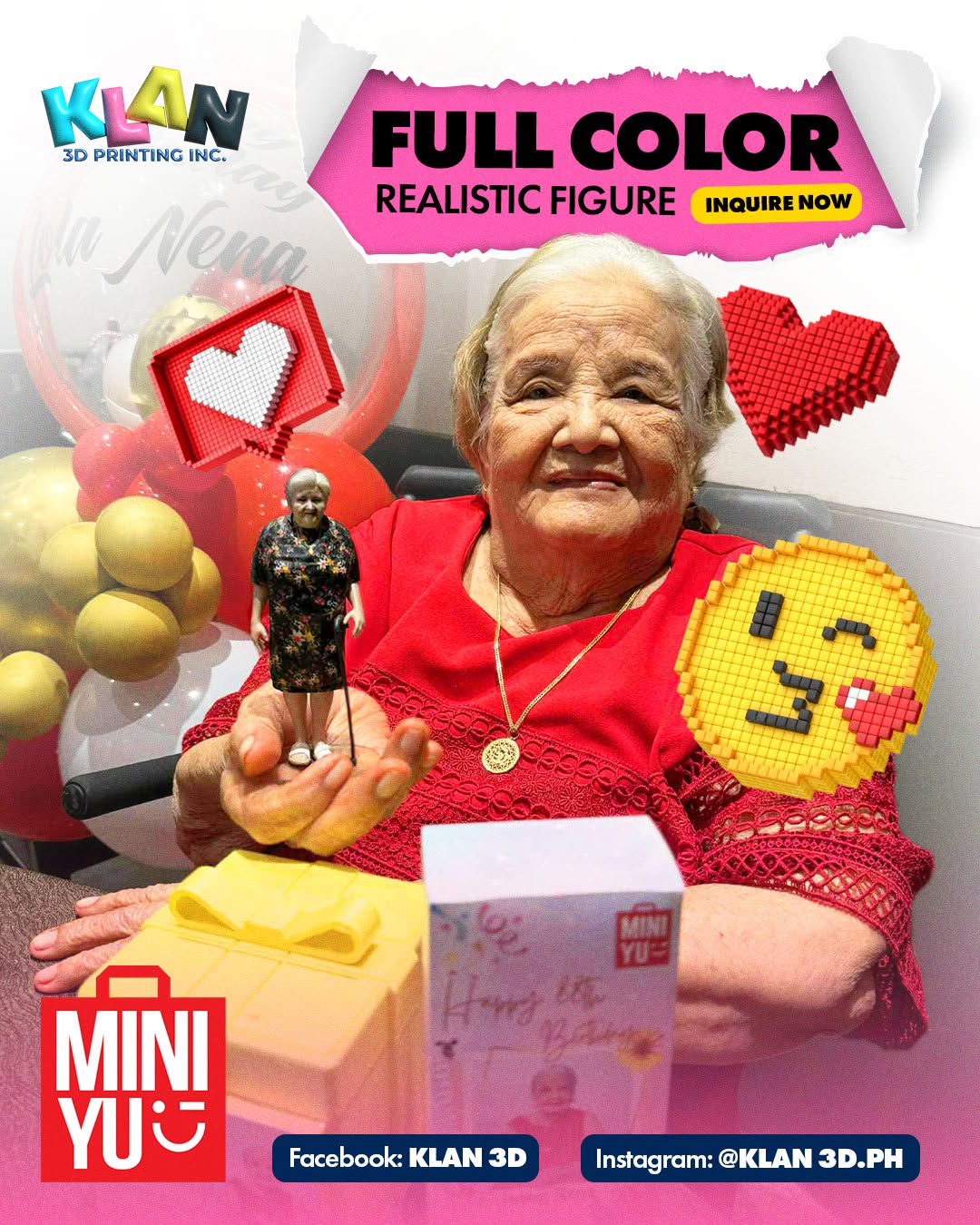
Lola
Photo Scan
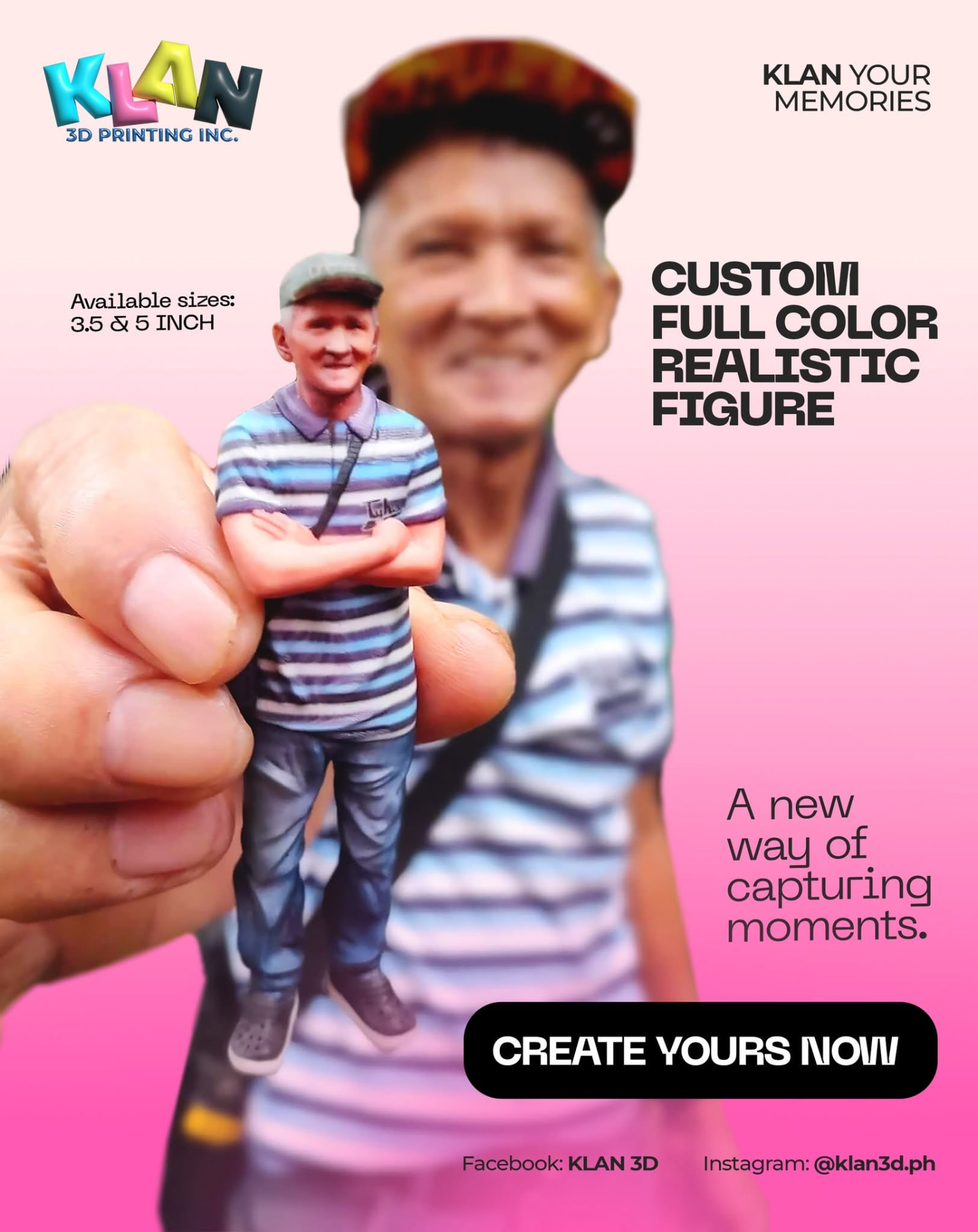
Tatay
Photo Scan
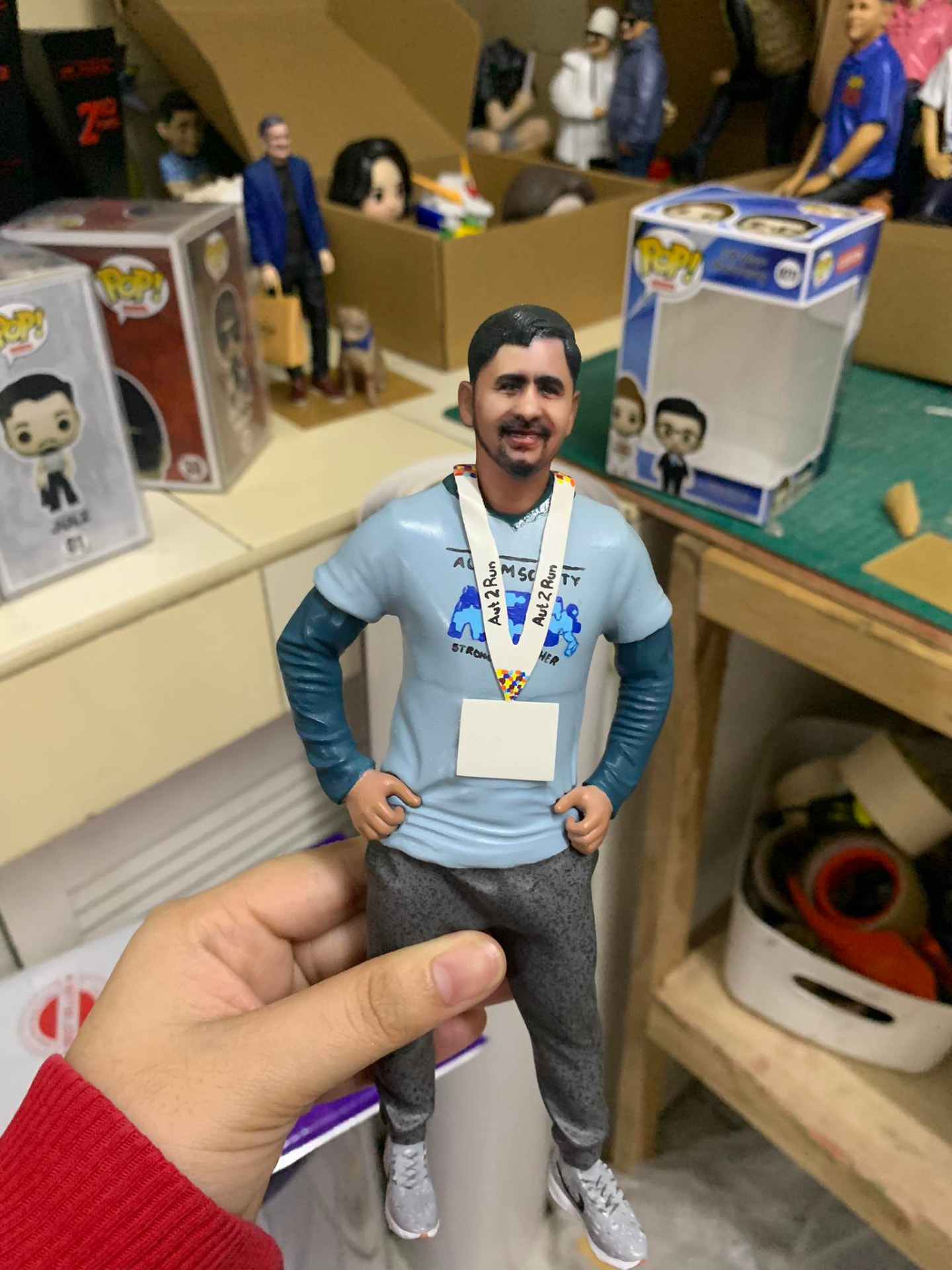
Groom
Photo Scan
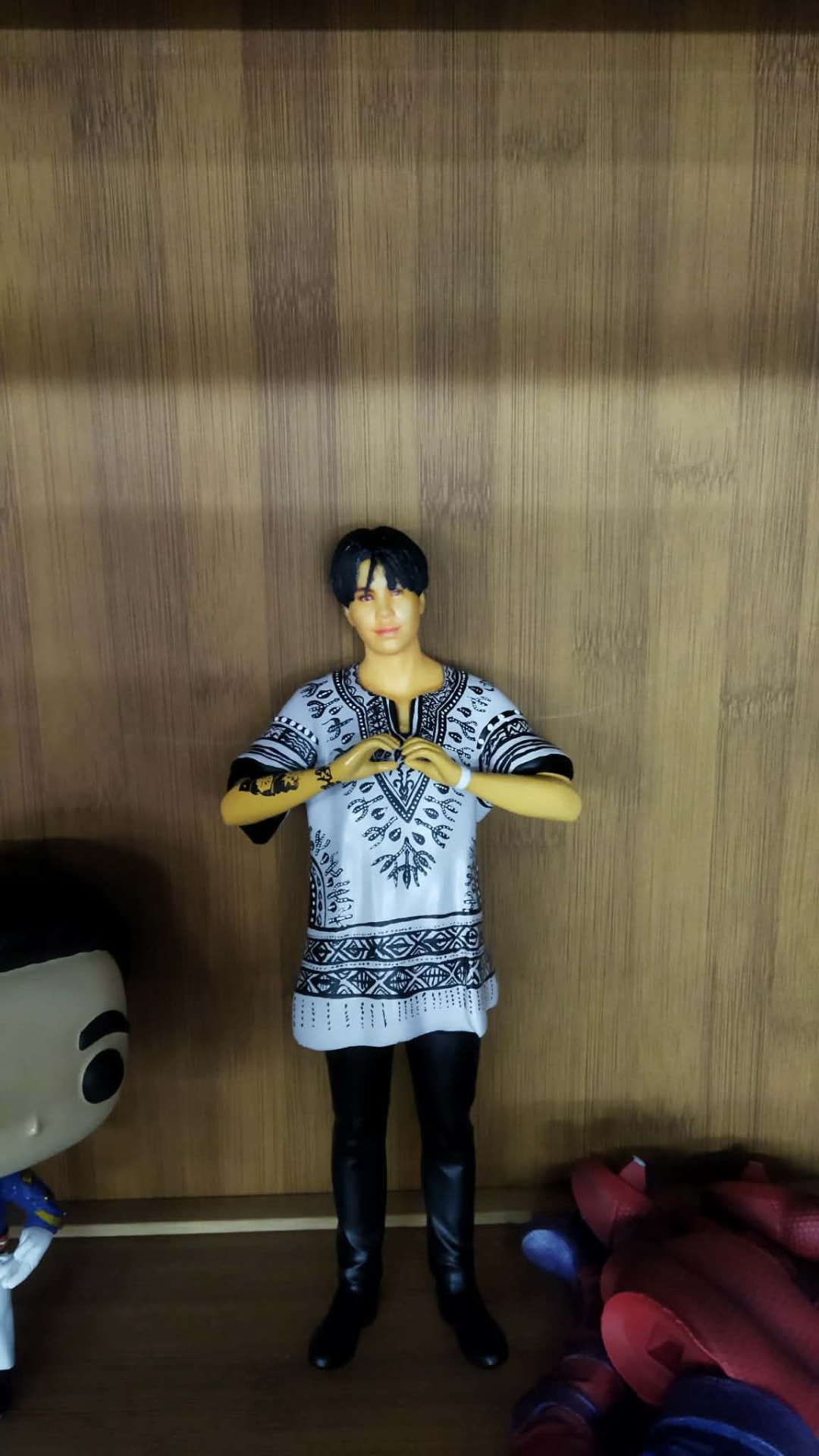
Athlete
Photo Scan
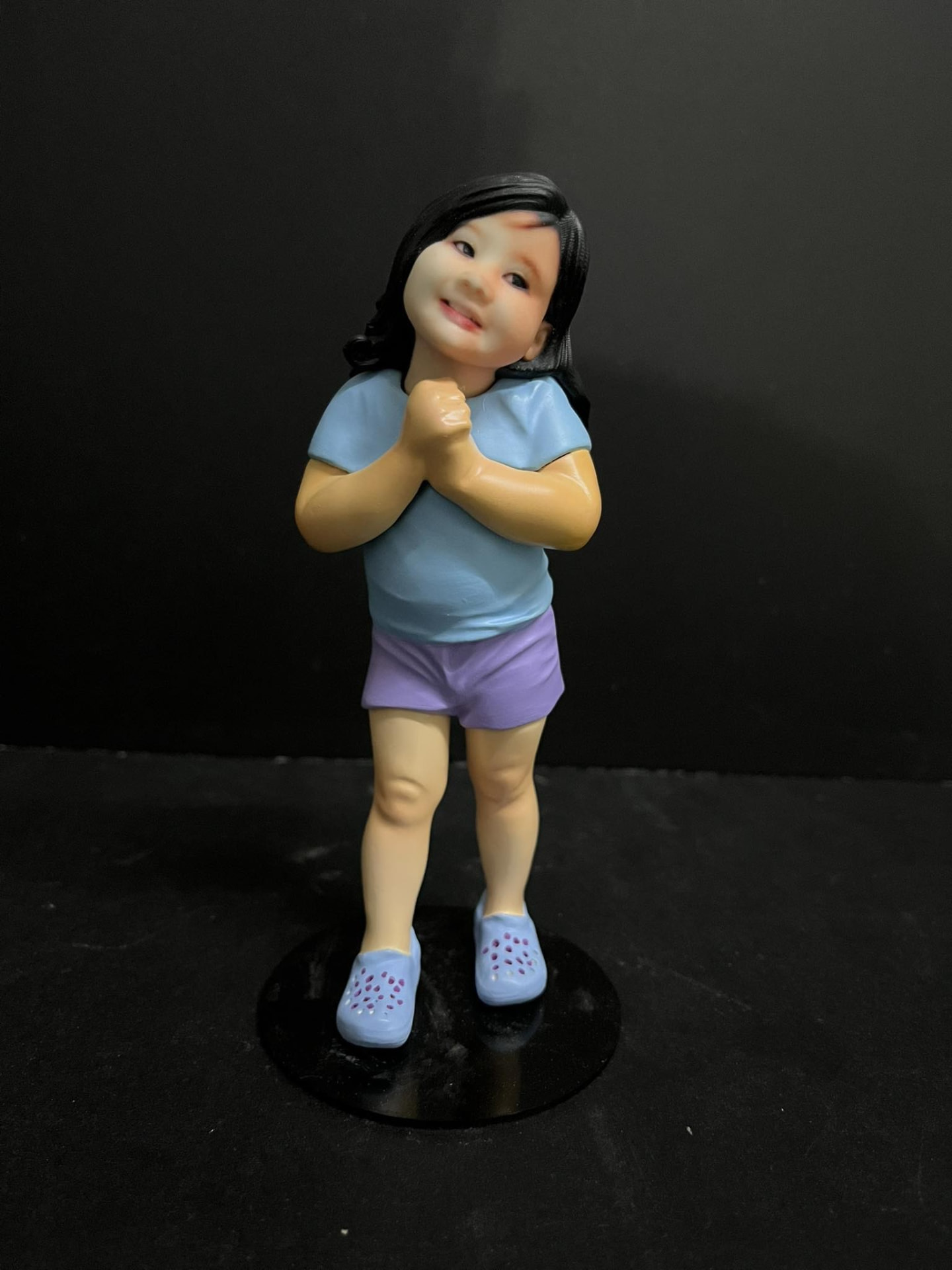
Family
Photo Scan
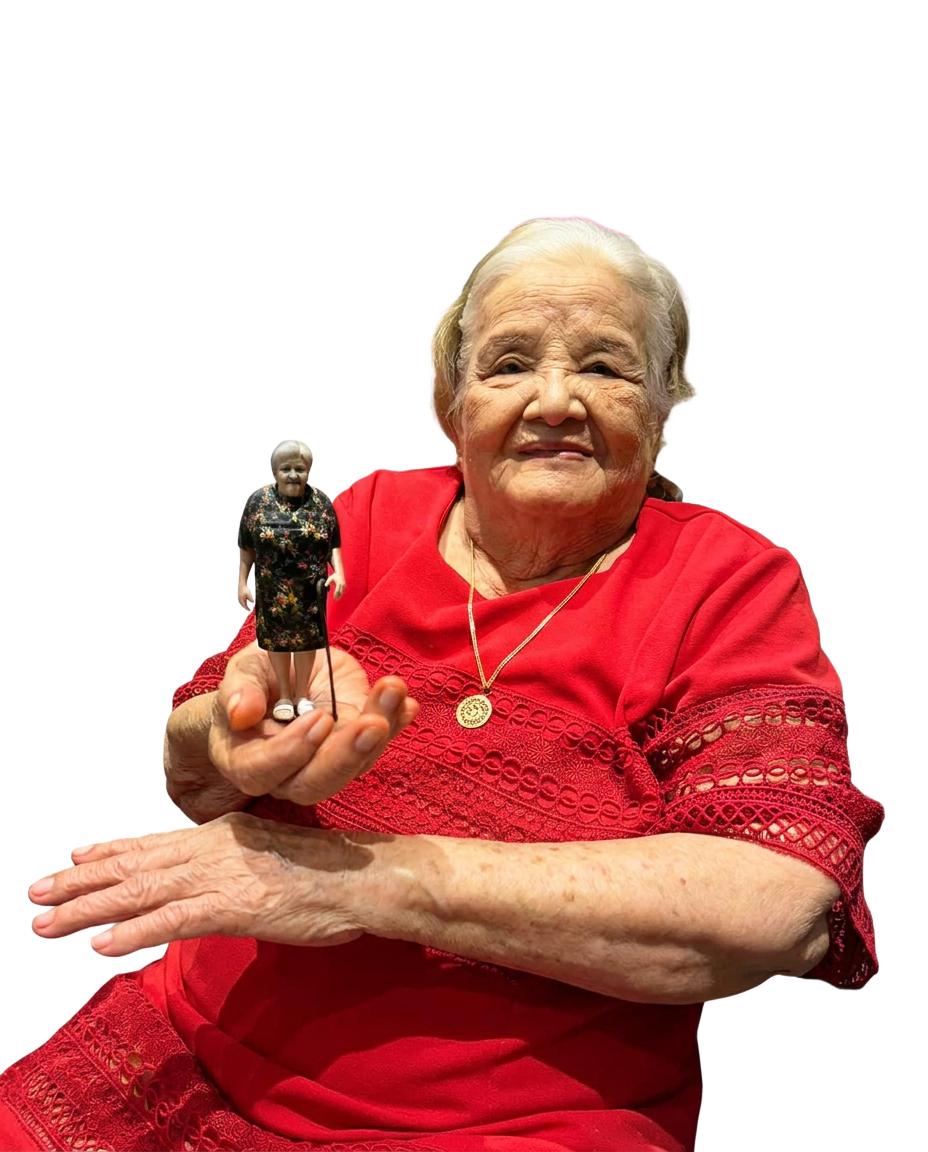
Inang
Printed
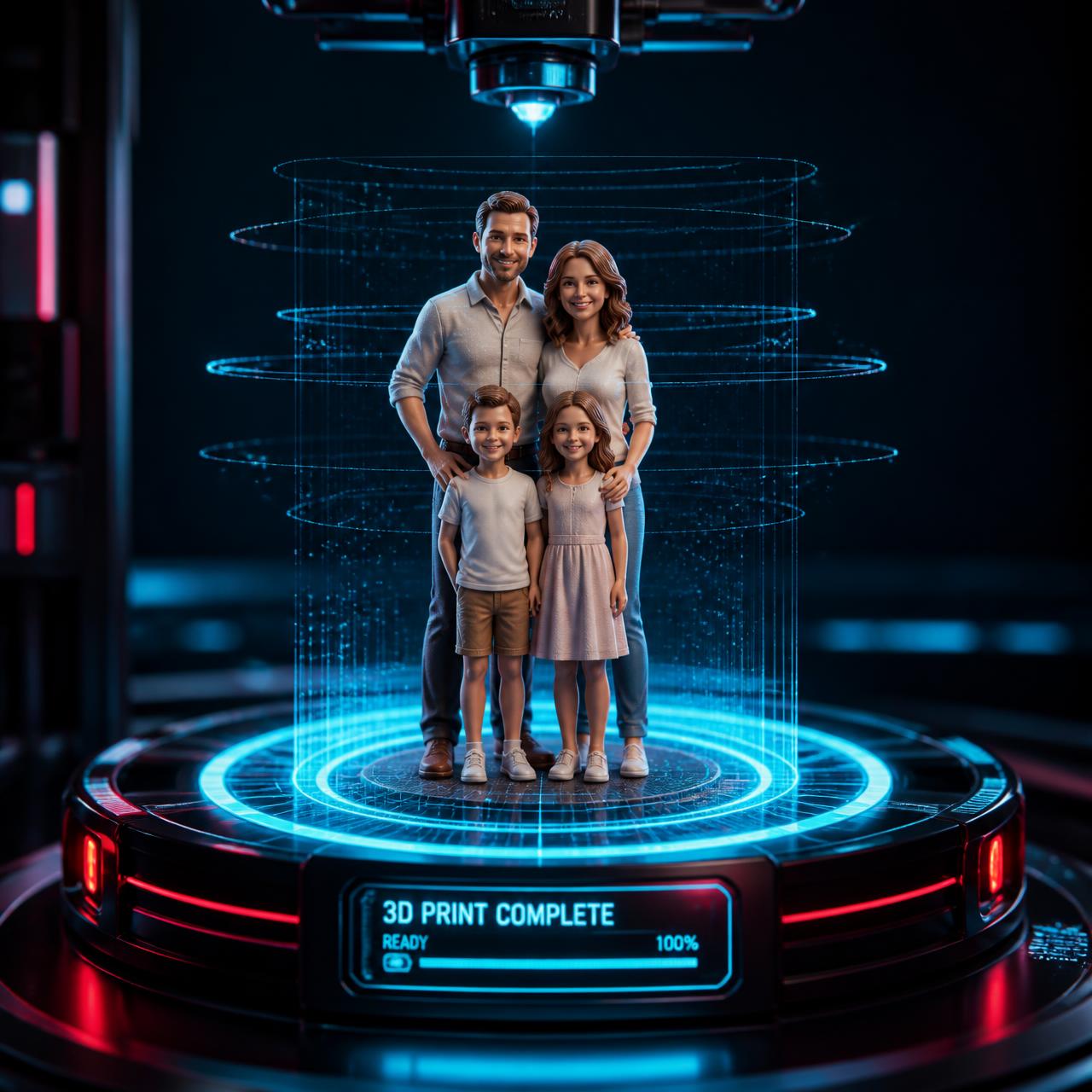
Klan
Printed
Printed figures
Scanning is free. Pay only when you order a printed figure.
Shipping is computed automatically from your delivery address at checkout.
FAQ
How many photos do I need?
At least 90. We recommend 120+ photos taken every ~15° around the subject — more shots, higher detail.
How long does processing take?
Most scans finish in a few minutes. You'll see the model in your library when it's ready.
Can I order a print of any scan?
Yes. Open a finished model and tap Order printed figure to choose a size.
Where do you ship?
Nationwide across the Philippines. Shipping is computed from your address at checkout.
STAY IN THE LOOP
NEW DROPS, PROMOS & OPEN SLOTS
Be first to know about limited build slots, seasonal bundles and holiday discounts. No spam — just MINI YU news for people who love keeping memories close.
Get the Mini Yu Scanner Android app
Scan with your phone camera, capture with the auto-timer, preview your 3D model and order a printed figure — all from the app.
The download starts instantly. Tap the file in your notifications or Downloads folder to install, and allow “Install from unknown sources” if Android asks. If you already have an older APK installed, uninstall it first so the new MINI YU Scanner icon and app-only startup screen appear. iOS version coming soon.
Start your first scan today
All you need is your phone camera. Scan, preview in 3D, and order a printed figure.
Start scanning